Hamburger Menu with CSS Animations: Free Template + Tutorial

Hamburger Menu with CSS Animations: Free Template + Tutorial

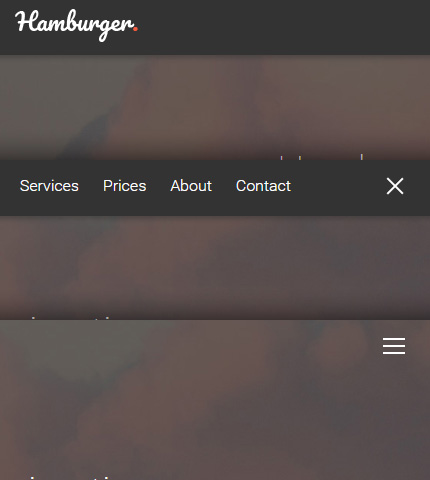
In simple words, in modern web design, a “Hamburger Menu” is a simple menu either horizontal or vertical, that can be activated or deactivated by clicking on a button which has an icon with three rows when the menu is closed, and an “X” sign when the menu is open.

This icon with three rows resembles a hamburger and gives the name “Hamburger Menu” to this type of menu.

Usually the menu comes with nice animations when you open or close it that can be created with CSS3, JavaScript or a mix of these two as in the case we’ll see today.

So, as you can read from the title, today we will see how to create a Hamburger Menu with animations.

It will be an horizontal navbar / top menu and at the end you will also have all the files as a handy template to customize and use in projects.

Let’s begin!

Read more

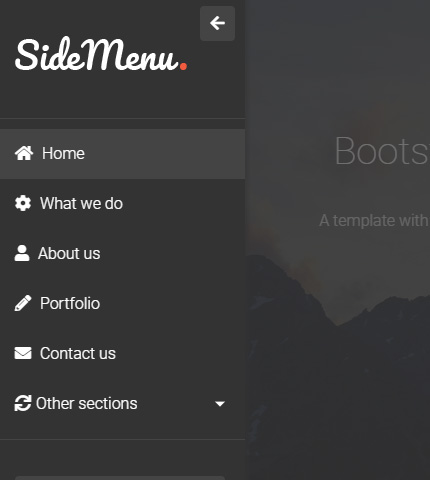
Bootstrap 4 Sidebar Menu: Tutorial + Free Template

Bootstrap 4 Sidebar Menu: Tutorial + Free Template

In the last few years, I’ve always been amazed by the beautiful admin templates created by different developers, using the Bootstrap framework and listed for sale on ThemeForest or WrapBootstrap, or just released for free to gain some exposure for their work.

The part of these templates that has really caught my attention and that has been very popular these days, is the collapsible sidebar menu.

This type of menu is not only very nice to see, but it also improves the user interface and usability of these templates, especially admin templates. Google has also used it as part of their Material Design style.

As you probably know UI and UX have been two very popular concepts in the last few years, making the internet full of articles about them, and I think learning how to improve them in your websites, templates and web apps is a good thing as it can increase users and returning visitors.

So, for fun, a few days ago I decided to learn how to create one of these sidebar menus using Bootstrap.

I have created many templates in the past but have never used this type of menu, and after asking the developer’s best friend, Google, I found this (very useful) tutorial by Ondrej.

After a few hours of study and work, I created a template with a beautiful sidebar menu and wrote this tutorial hoping that you can learn something from it too. Or just download the template and use it in your projects 😉 .

So, in a few words, if you don’t want to read all of the above, in this tutorial we’ll see how to create a page with a collapsible sidebar menu using Bootstrap.

Let’s get started!

Read more

Bootstrap 4: How To Center Align a “Div” or “Form” Vertically and Horizontally

Bootstrap 4: How To Center Align a Div or Form Vertically and Horizontally

Centering an HTML element horizontally with CSS, be it a “div” or a “form”, has been always easy for web developers at least for the past 10 years or so.

But what about centering the same element vertically, so that it always remains in the center of the page or in the center of its parent element?

Well, this has been a very tricky task for years (at least for me) and some developers have also used JavaScript in some situations to obtain the desired result.

This has continued to be a problem, at least for me, until the advent of the CSS flexbox layout and the flexbox utilities offered in Bootstrap 4.

And that’s what we’ll be talking about in today’s tutorial.

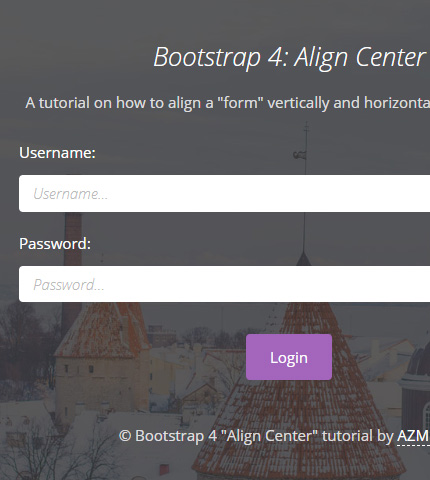
We’ll see 3 examples where we take a “div” and a “form” and align them in the center, vertically and horizontally, using Bootstrap 4 (current version 4.3.1).

At the end of the tutorial, you can download all the files as handy templates.

Let’s begin!

Read more

Bootstrap Carousel with Videos: How To + Template

Bootstrap Carousel with Videos: How To + Template

A few months ago I published a tutorial about how to use videos with modals in Bootstrap.

Today we’ll see how to use videos in Bootstrap carousels.

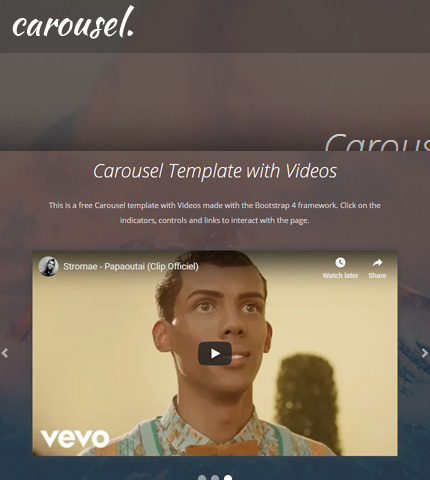
You’ll learn how to embed videos from popular video sites like YouTube and Vimeo, and use them in slideshows in your web projects.

At the end, you can download all the template files and use them easily when you need them. Let’s begin!

Read more

Bootstrap Carousel: How To Fade Transition Instead of Slide

Bootstrap Carousel Fade Transition How To Template

The Bootstrap carousels we have seen in the last articles and tutorials, had all a “slide effect” when moving from one slide to the next.

But what if we want a different type of transition, like for example a “fade transition”? Can we do it?

The answer is “Yes”, and it can be done very easily. We’ll see it in today’s tutorial. Let’s begin!

Read more

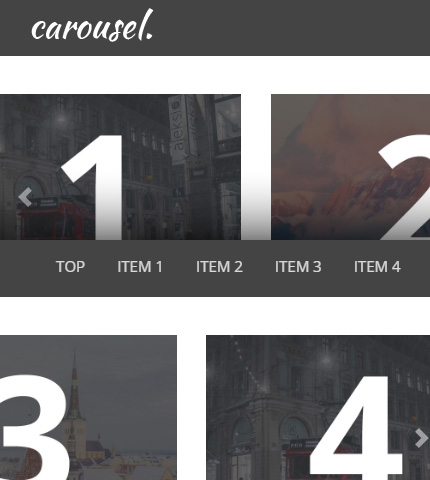
Bootstrap 4 Carousel with Multiple Items: How To Create It?

Bootstrap 4 Carousel with Multiple Items: How To Create It?

A few days ago I created these Bootstrap 4 Carousel templates and then I wrote a tutorial about different ways to disable the autoplay feature.

Today we’ll continue with another tutorial, this time about how to create a responsive Bootstrap 4 Carousel with Multiple Items.

We’ll do this by using some CSS media queries and, as usual, some JavaScript (jQuery) code. Let’s see!

Read more

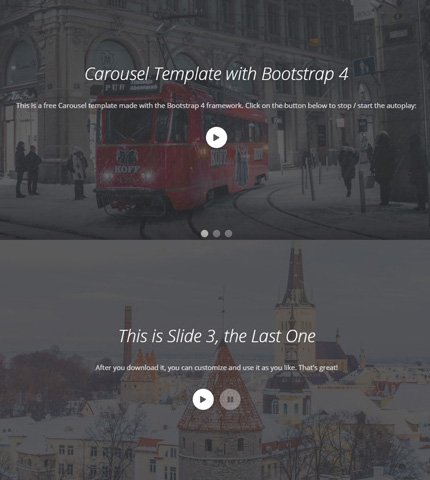
Bootstrap 4 Carousel: How To Stop Autoplay

Bootstrap 4 Carousel: How To Stop Autoplay

In this tutorial we’ll see how to stop the Autoplay function on a Bootstrap carousel.

If you’ve used this component of the Bootstrap framework before, you probably know that by default it cycles through elements automatically as soon as the page is loaded.

This is a nice feature to have, but in certain situations you might not want it. Instead, you might need a static carousel that stops “on page load” or one that stops and starts based on various events that happen on the page, like for example when the user scrolls down the page, clicks on a button or link, etc.

Here we’ll see 3 examples beginning with a simple carousel with no autoplay and then using buttons for pausing and starting the auto slide again.

For this tutorial we’ll use one of these carousel templates (template 3) as an example. At the end you can download all the example templates. Let’s begin!

Read more