Bootstrap 4 Navbar Tutorial: How To Quickly Create a Beautiful Top Menu

Bootstrap 4 Navbar Tutorial: How To Quickly Create a Beautiful Top Menu

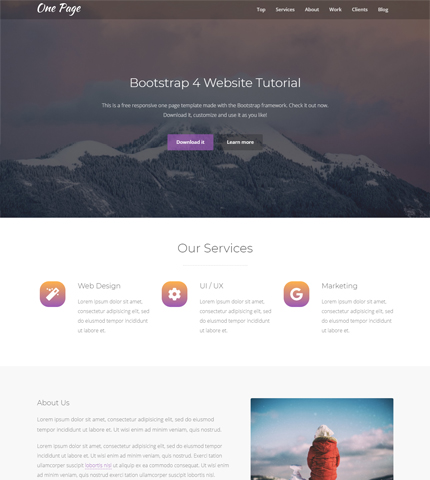
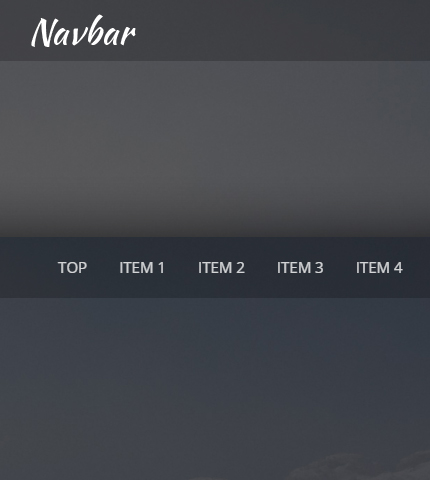
In the past I’ve created and published various Bootstrap navbar templates that you can find here, here and here. I use them in almost all my templates free and premium.

Today we’re going to create another navbar together, this time using Bootstrap version 4. It will be a simple yet very functional top menu, an important part to have in the header of your websites.

I hope you’ll learn one or two things from this tutorial. Let’s begin:

Read more

How To Convert a Website to Bootstrap 4 – Case Study

How To Convert a Website to Bootstrap 4

Now that Bootstrap 4 has arrived, after some alpha and beta versions, more and more developers are moving their projects from version 3 to this new version.

So, to help you (and myself) learn this task, I decided to create this tutorial / case study where we’re going to convert a website from Bootstrap 3 to Bootstrap 4.

We’ll use as an example the Maren template and update it step by step. You can download the result at the end of this tutorial.

I had fun creating this case study, from converting the template to writing the article. I hope you have some fun too and hopefully learn one or two things.

Let’s begin!

Read more

How To Create a Login Page For a Bootstrap Template

How To Create a Login Page For a Bootstrap Template

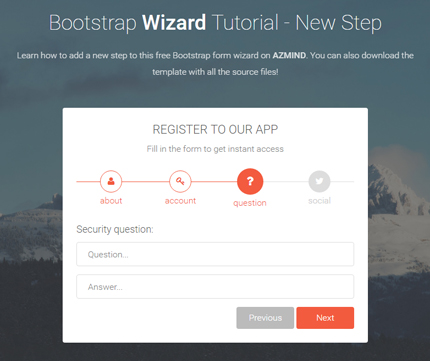
In our daily web design work it happens often that we find a good free resource, for example a form or a beautiful animated button, and we immediately think to integrate it in one of our sites.

Or it can happen that a client has purchased a premium template for his site and wants to add a login and a registration page.

So you search on the web and find a really nice and free login form, you download it and are ready to integrate it in your client’s template.

What happens oftentimes is that you find it difficult to integrate the form in your project, or it lacks support from the creator. This also happens with some of my free resources as you can see in some users’ comments on this site.

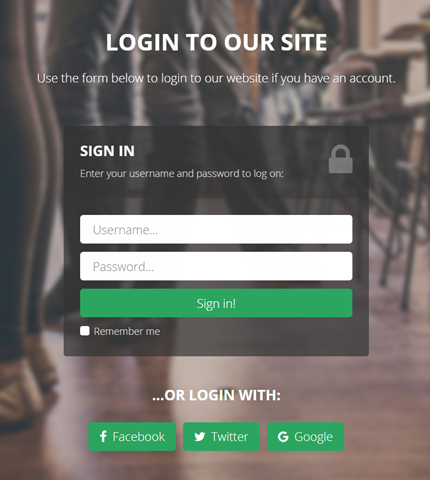
In today’s tutorial we’ll do something very similar. We’ll take a free login form here and integrate it in the Lancar Bootstrap template, to create a beautiful login page with fullscreen background.

And if I see that the tutorial is useful to you, in the future I’ll do more of these tutorials for my other free forms and resources.

Let’s begin!

Read more

Bootstrap Tutorial: How To Create a Modal Video

Bootstrap Tutorial: How To Create a Modal Video

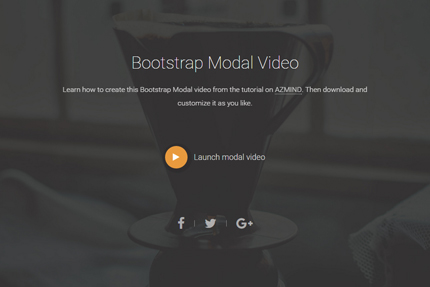
Today’s article is a Bootstrap tutorial where we’ll learn how to easily create a Modal video, also known as “Pop-up video”. I’ll explain step by step and with the use of code examples how to make this video appear when the user clicks on a specific button or link inside our web page.

For this tutorial we’ll use Bootstrap Modals and, of course, HTML, CSS for styling the modal window, and JavaScript for the modal’s behaviour.

As usual, in the end you can preview and download all the code as a handy template to modify as you like.

Read more

Bootstrap Contact Form: How to Add a New Dropdown (Select) Field

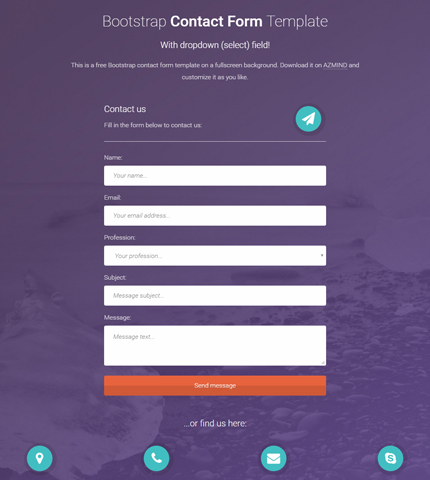
Bootstrap Contact Form with Dropdown (Select) Field

After releasing many Bootstrap contact forms during the past few months, which you can find here, this is one of the recurring questions among the users of these forms:

How to add a new dropdown / select field to the contact form?

Some time ago I’ve written a tutorial about adding a new field to a Bootstrap contact form and particularly adding a dropdown field is not much different.

But, to some users this task might be confusing. That’s why today in this tutorial, I’ll explain step by step how to add a dropdown / select field to this Bootstrap contact form that I’ve chosen as an example (because I like that beautiful violet background).

At the end you can take the instructions below and apply them to my other templates, free and premium, to add new dropdown fields to the contact forms. They’re (almost) the same.

Let’s begin!

Read more