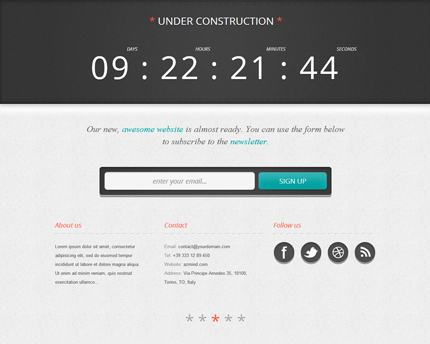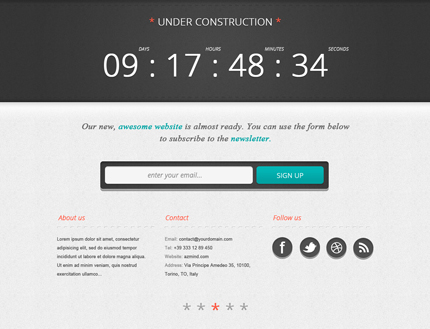
Creating an “under construction” page is very important when you’re launching a new website or product, or when you’re redesigning an established website. This way you can inform the users of the remaining time to the website’s launch and you can even start to collect their emails for notifying them when the site is ready. A well designed “under construction” page can catch the attention and can make your website or product look more professional in the users’ eyes.
So, today I’m going to show you step by step how to design an “under construction” (or coming soon) page in Photoshop. You can download the PSD file at the end of this tutorial. In the second part of the tutorial I’m also going to code this page in HTML/CSS/jQuery.
Read more