Centering an HTML element horizontally with CSS, be it a “div” or a “form”, has been always easy for web developers at least for the past 10 years or so.
But what about centering the same element vertically, so that it always remains in the center of the page or in the center of its parent element?
Well, this has been a very tricky task for years (at least for me) and some developers have also used JavaScript in some situations to obtain the desired result.
This has continued to be a problem, at least for me, until the advent of the CSS flexbox layout and the flexbox utilities offered in Bootstrap 4.
And that’s what we’ll be talking about in today’s tutorial.
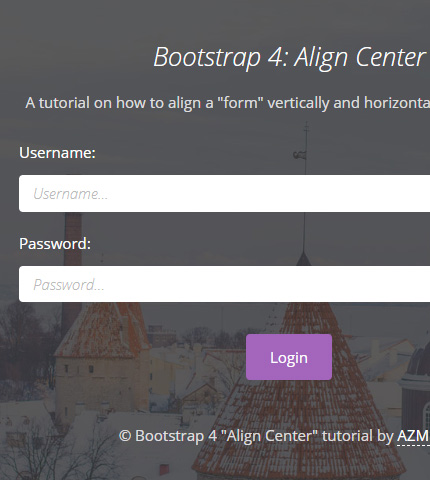
We’ll see 3 examples where we take a “div” and a “form” and align them in the center, vertically and horizontally, using Bootstrap 4 (current version 4.3.1).
At the end of the tutorial, you can download all the files as handy templates.
Let’s begin!