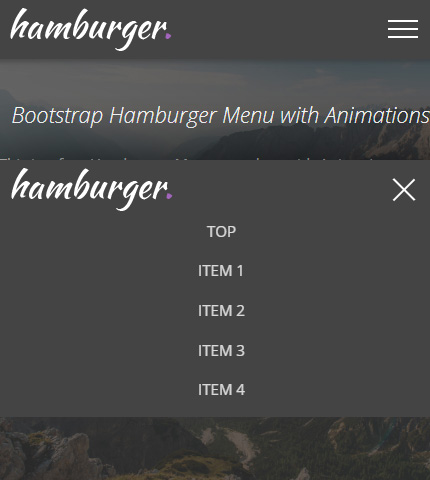
After seeing how to create a Hamburger Menu in HTML/CSS in the last tutorial and, of course, after learning what a Hamburger menu is, today we will continue with a similar type of menu.
More precisely, we will see how to create a Hamburger Top Menu/Navbar using the Bootstrap 4 framework (v4.4.1, latest version as I write this article).
In my opinion, creating this type of menu with Bootstrap is easier and quicker than if you had to create it with HTML and CSS starting from zero, like we did in the other tutorial.
This because Bootstrap comes with many (almost) ready-to-use components that you can customize, like the Navbar component that we will use here.
But on the other hand, Bootstrap has a learning curve and requires some time from you to study it.
So, let’s begin with the tutorial and at the end you can decide which way to go, Bootstrap or HTML/CSS. Free template also available for you to download.
Read more

