In this tutorial we’ll see how to stop the Autoplay function on a Bootstrap carousel.
If you’ve used this component of the Bootstrap framework before, you probably know that by default it cycles through elements automatically as soon as the page is loaded.
This is a nice feature to have, but in certain situations you might not want it. Instead, you might need a static carousel that stops “on page load” or one that stops and starts based on various events that happen on the page, like for example when the user scrolls down the page, clicks on a button or link, etc.
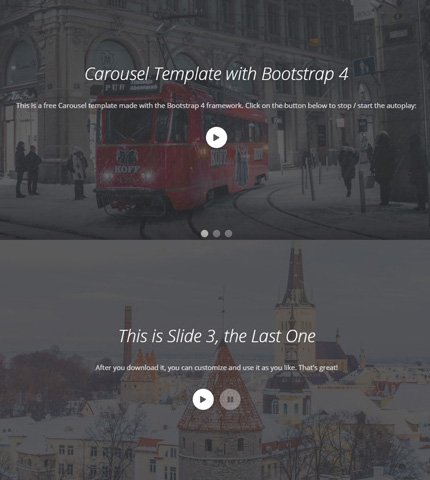
Here we’ll see 3 examples beginning with a simple carousel with no autoplay and then using buttons for pausing and starting the auto slide again.
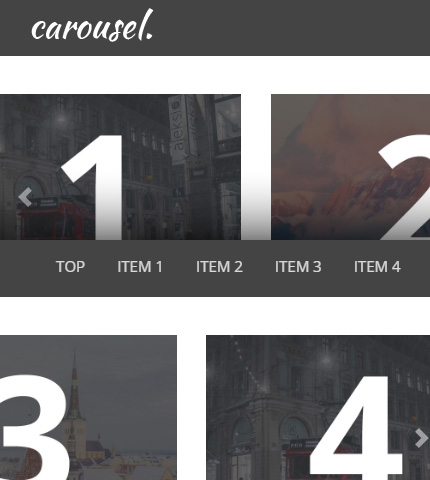
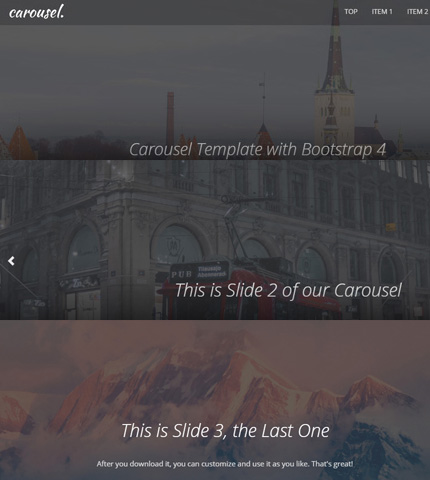
For this tutorial we’ll use one of these carousel templates (template 3) as an example. At the end you can download all the example templates. Let’s begin!
Read more