Bootstrap 5 Testimonial Slider with Thumbnails (4 Templates)

testimonial slider bootstrap 5

Sometimes, when building websites you need to create a section where you show your best testimonials to create more “social proof” and help you get new clients or sell your products.

Bootstrap makes creating testimonial sliders quite easy with its ready-to-use components.

Today, I’ve created 4 different testimonial sliders with thumbnails using Bootstrap 5 and its Tabbed component.

I’ve also used one of these testimonial sliders in the Jona free business template.

So, below you can see the 4 different testimonial sliders. In the end, you can also download the templates. Enjoy!

Read more

Jona: Free (Bootstrap 5) Business Template

jona bootstrap template

Finally, I finished coding a new business template called Jona and made with the latest Bootstrap 5 frontend toolkit.

It comes with various pages and features you may need to create a website for an agency, portfolio, etc. I’m also adding new pages constantly.

So, check out its features and a few things to keep in mind below. Next, check out the live preview and download links. I hope you like it!

Read more

4 Popular WordPress Themes for Content-Heavy Websites

WordPress Themes for Content-Heavy Websites

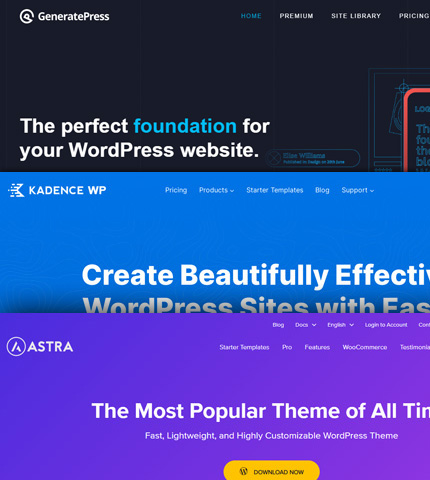
As blogging and publishing content-heavy websites are in their best shape, even with the latest and very frequent Google updates, many WordPress themes have emerged and become very popular in recent years.

Today in this article, I’ve put together a list with some of the best WordPress themes if you want to put up a new content website or if you want to refresh the design of an existing project.

I’m using myself one of these themes and plan to try the others as they have very positive reviews in the online community.

So, here they are:

Read more

Bootstrap 4 Carousel: How To Change Arrow Colors? [2 Methods]

Bootstrap 4 Carousel: How To Change Arrow Colors? [2 Methods]

What is “carousel-control-prev-icon” in Bootstrap, you might ask?

Well, if you have worked with Bootstrap carousels you probably know that this, along with “carousel-control-next-icon”, are the classes used for the small arrow icons of the carousel’s controls.

But what do I need them for, you might continue?

Well, you will need them if you want to change the colors of the arrow icons.

Today in this tutorial we will do just that, with 2 different methods.

Let’s see these 2 methods and in the end, you can download the templates as usual.

Read more

Bootstrap Fieldset Legend: How To + Examples + Template

Bootstrap Fieldset Legend: How To + Examples + Template

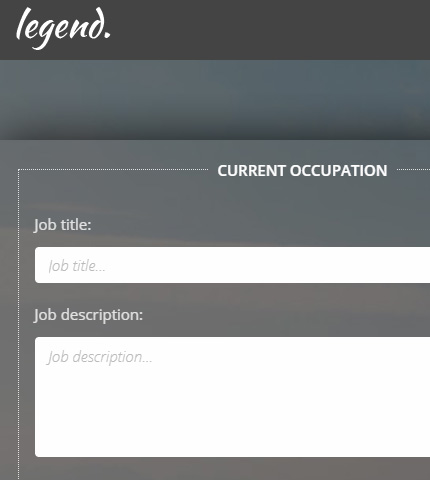
We have already seen how to use fieldsets in forms with the Bootstrap framework.

Today we will continue on the same lines and learn how to create fieldsets with legends.

These can come in handy when working with long forms that need to collect a lot of data.

Actually, in the article I mentioned above, we have already used legends, but today we are going to expand on them and see how we can style them a bit differently.

So, let’s see what these fieldset legends are and how to use them!

Template and demo link available at the end.

Read more

Bootstrap 4 Carousel Fullscreen: How To + Template

Bootstrap 4 Carousel Fullscreen: How To + Template

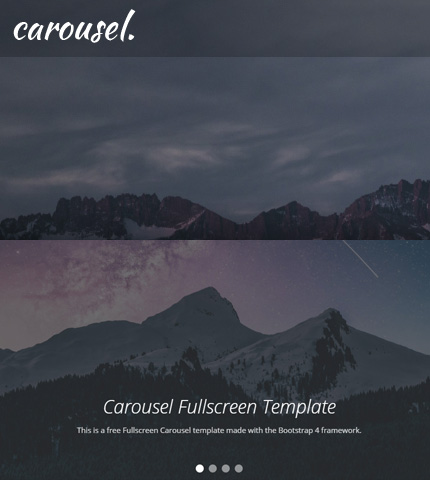
Sometimes you need an image slider for your site or for a landing page you are working on.

Usually, you need it to be on the top part of the page and to occupy the entire width of the browser.

Well, the Bootstrap Carousel component can do that quite easily!

What about an image slider that is not only full-width but also full-height? In other words, an image slider that occupies all the initial viewport when the page loads?

The Bootstrap Carousel can do that too, even though with a few more tweaks.

Today, we will see how you can create all the above: a Full-width and a Fullscreen Bootstrap Carousel, by using 3 methods that are slightly different from each other.

In the end, you can download all the templates as usual.

So, let’s begin!

Read more

Bootstrap 4 Lightbox Image & Video Gallery: Free Template + How To

Bootstrap 4 Lightbox Image & Video Gallery: Free Template + How To

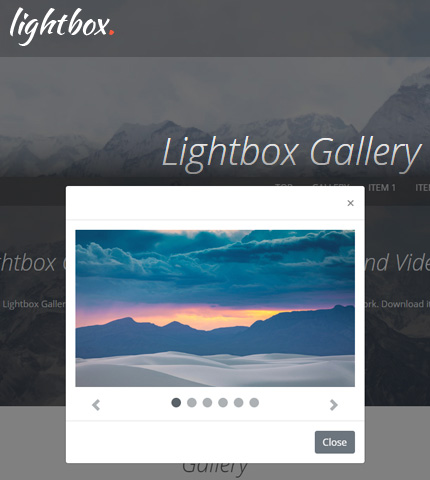
Welcome to another tutorial here on AZMIND! Today we will create a Lightbox Image and Video Gallery using the Bootstrap framework.

The gallery will showcase some images and videos that will open in a lightbox when the user clicks on any of them.

Once opened, the user will have the possibility to interact with the lightbox by scrolling through the images and videos, play / pause the videos, or close the lightbox popup.

This gallery can be used, for example, to create a portfolio page.

In the end, you can download all the files as a handy template.

So, let’s begin!

Read more