Today we’ll continue with another tutorial from the Quick Tutorials category. As I’ve explained here, these are short articles where I show how to do a certain thing (customization, modification) with my templates, how to fix a web development problem, etc.
I get the tutorial ideas usually from the questions you make in the templates’ pages or from my everyday web design and development work. So, if you’re trying to customize any of my themes, please let me know in the comments and I might create a tutorial.
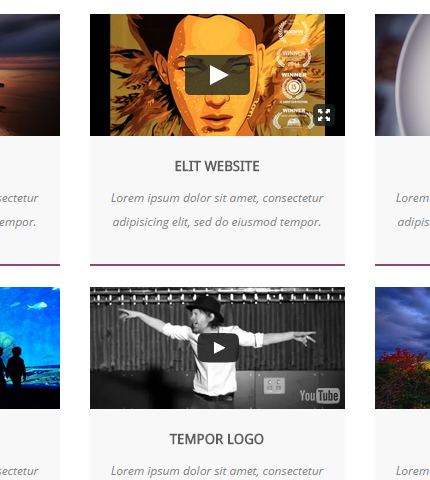
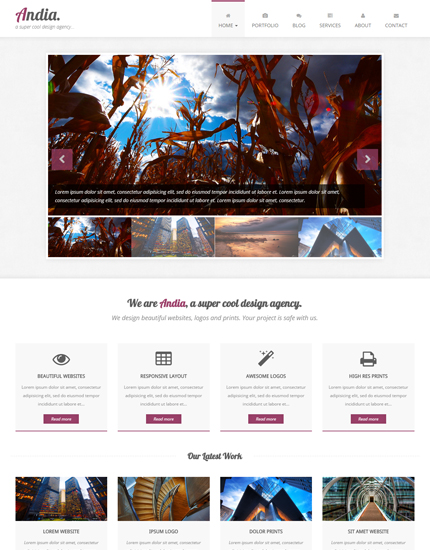
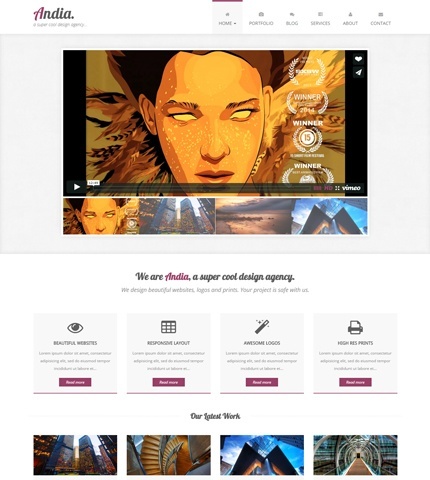
In today’s tutorial I explain how you can use videos (embedded from Vimeo, YouTube, etc.) in the home page slider of the Andia Bootstrap template. It’s really quick and easy, and at the end of this article you’ll know how to use mixed elements in the slider: images and videos. Let’s begin with the HTML code: