If you’re using email marketing for growing your business, you have probably heard about MailChimp. You can register to MailChimp for free and start using it. With the “Free Plan” you can have up to 2000 subscribers and send up to 12000 emails per month.
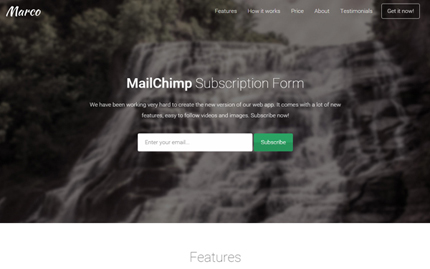
Ok, now that we know MailChimp is great for starting your email list, let’s learn how to add a MailChimp subscription form to a Bootstrap template / landing page. Today in this tutorial we’ll learn it step by step using the Marco template as an example. Though, these instructions can also be used for my other templates.
Update, 11 February 2016:
I’ve updated the tutorial and now it should work with the MailChimp API v3.0.
Attention: If you try it in your local computer (for example with XAMPP) it might give PHP warnings / errors. Please try it on a server.